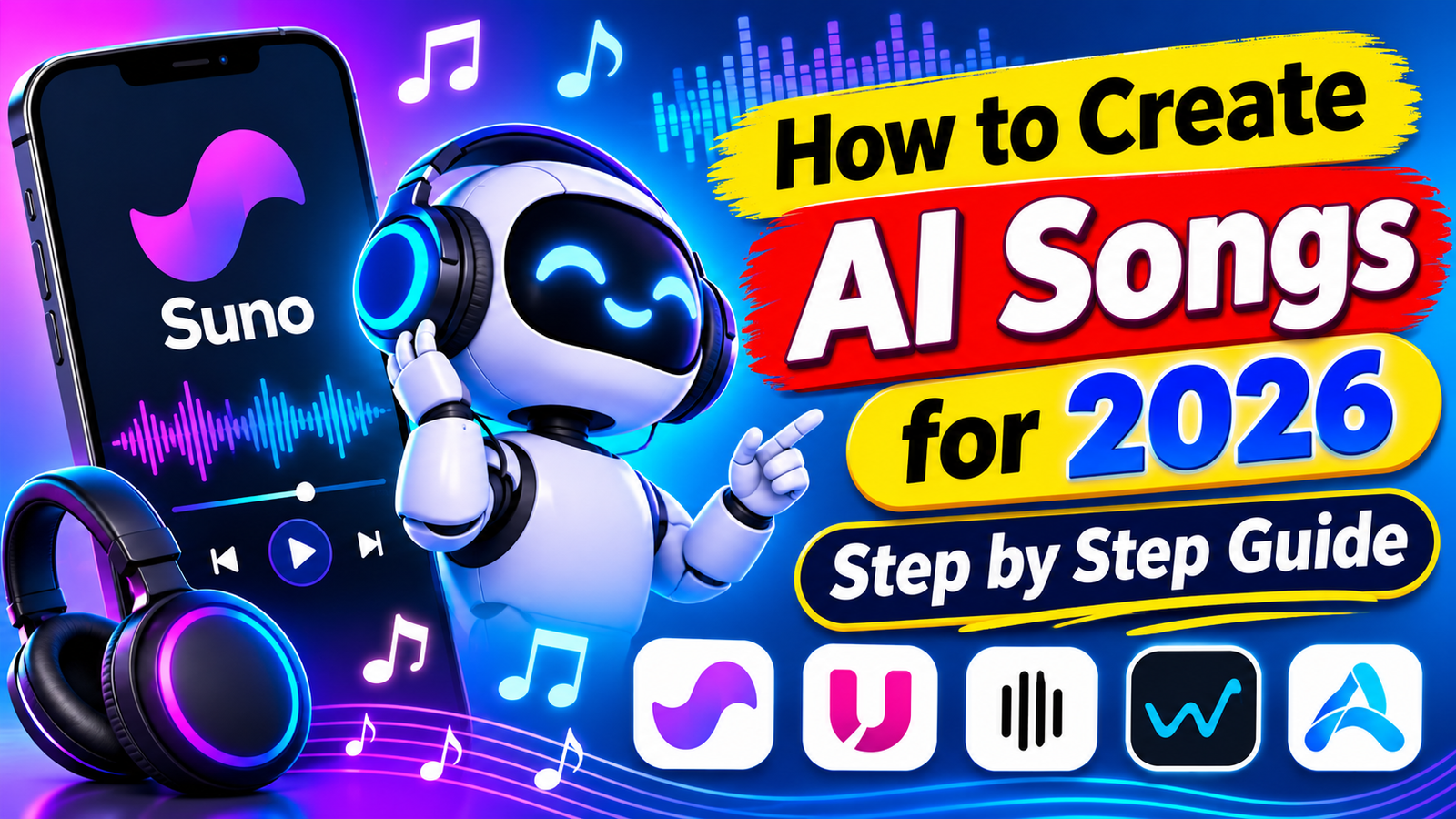
How to Create AI Songs for Free in 2026
Imagine creating a complete song without owning a musical instrument or having a professional recording studio. You can write a few lines, choose a music style, and let artificial intelligence turn your ideas into music.
In 2026, AI music generators make this process easier than ever. Beginners can create songs with vocals, background music, and different musical styles. Some tools even let you generate songs from simple text descriptions.
Whether you want to create music for YouTube, TikTok, Instagram, or personal projects, AI tools can help. In this guide, you will learn how to create AI songs for free, which tools to try, and how to make better music.
What Is an AI Song Generator?
An AI song generator is an online tool that uses artificial intelligence to create music. It can generate melodies, instruments, vocals, and complete songs based on your instructions.
For example, you can enter a prompt like:
“Create a romantic English pop song with soft piano, emotional male vocals, and a relaxing melody.”
The AI analyzes your description and generates music based on your instructions.
Some tools can also turn your written lyrics into complete songs. Others allow you to create instrumental music without vocals.
Best Free AI Music Generators in 2026
Several AI music generators are available online. Each platform offers different features, pricing plans, and creative options.
1. Suno AI
Suno AI is one of the popular platforms for creating complete songs with artificial intelligence. You can describe your song idea and generate music with vocals.
Main Features:
- Create songs from text prompts.
- Generate music with AI vocals.
- Explore different music genres.
- Create songs using custom lyrics.
- Experiment with different musical styles.
Visit the official website: https://suno.com/
2. Udio
Udio is another AI music generation platform. It helps users create music from text descriptions and explore different sounds.
Main Features:
- Generate music from prompts.
- Experiment with different genres.
- Create songs with vocals.
- Explore creative music ideas.
Visit the official website: https://www.udio.com/
3. ElevenLabs Music
ElevenLabs offers AI powered audio and music creation features. It is useful for creators who want to explore AI generated music and audio production.
Main Features:
- AI audio generation.
- Music creation features.
- Audio production tools.
- Options for creative projects.
Visit the official website: https://elevenlabs.io/
4. SOUNDRAW
SOUNDRAW focuses on AI generated music, especially background tracks for digital content.
Main Features:
- Generate background music.
- Explore different music styles.
- Adjust music to your project.
- Create tracks for videos and other content.
Visit the official website: https://soundraw.io/
5. AIVA
AIVA is an AI music composition platform. It is particularly useful for cinematic music, soundtracks, and instrumental compositions.
Main Features:
- Generate instrumental compositions.
- Explore cinematic music.
- Create soundtrack ideas.
- Experiment with musical arrangements.
Visit the official website: https://www.aiva.ai/
How to Create AI Songs for Free Step by Step
You do not need advanced music production skills to get started. Follow these simple steps to create your first AI song.
Step 1: Choose an AI Music Generator
First, visit a music generation platform such as Suno AI or Udio. Create an account if required.
Check its free plan before starting. Free generation limits and available features can change.
Step 2: Write Your Song Idea
Think about the type of song you want to create. Choose a language, mood, genre, and vocal style.
For example:
“Create a motivational Urdu song with powerful male vocals, modern pop music, and emotional lyrics.”
A detailed prompt usually gives the AI clearer creative direction.
Step 3: Add Your Own Lyrics
Some platforms allow you to enter custom lyrics instead of generating them automatically.
Write your verses and chorus in simple language. Make sure the words match your selected music style.
You can also ask an AI writing assistant to help develop original lyrics.
Step 4: Generate Your Song
Enter your prompt and select the available generation options. Click the generate button and wait for the platform to create your music.
Listen to the results carefully. If you do not like the first version, improve your prompt and generate another version.
Step 5: Download and Edit Your Music
Once you are happy with your song, check whether the platform allows downloads on its free plan.
You can use an audio editor to adjust volume, remove unwanted sections, or combine your music with a video.
Always check the download format and licensing conditions before using the song publicly.
Tips for Creating Better AI Songs
Creating good AI music requires more than entering a random prompt. These tips can help improve your results.
- Use detailed prompts: Describe the genre, mood, instruments, and vocal style.
- Choose a clear language: Mention whether you want English, Urdu, Hindi, or another language.
- Experiment with genres: Try pop, rock, classical, hip hop, or electronic music.
- Write original lyrics: Unique lyrics can make your songs more personal.
- Generate multiple versions: Compare different results before choosing your favorite.
- Check audio quality: Listen with headphones before publishing.
Can You Use AI Generated Songs on YouTube and TikTok?
Yes, AI generated songs can be used in online content when you have the necessary rights and permissions.
For example, you can create background music for YouTube videos, TikTok clips, Instagram Reels, and other creative projects.
However, free access does not automatically mean commercial usage is allowed. Some platforms provide different licensing conditions for free and paid users.
Before uploading your song, check these important points:
- Does your plan allow commercial use?
- Can you monetize videos containing the music?
- Are there restrictions on downloading or distributing songs?
- Does the platform require attribution?
- Are there any copyright or licensing limitations?
Avoid copying copyrighted lyrics or deliberately imitating another artist’s protected work. Also, check the current YouTube monetization policies before publishing AI generated music.
Conclusion
Creating AI songs for free in 2026 is easier than ever. You can turn simple ideas into complete musical compositions without expensive equipment or professional recording skills.
Tools like Suno AI, Udio, ElevenLabs, SOUNDRAW, and AIVA offer different ways to explore AI music creation.
Start with a simple prompt, experiment with different genres, and improve your results over time. Most importantly, check each platform’s free plan and licensing rules before publishing or monetizing your music.
With creativity and the right AI music generator, you can start making your own songs today.