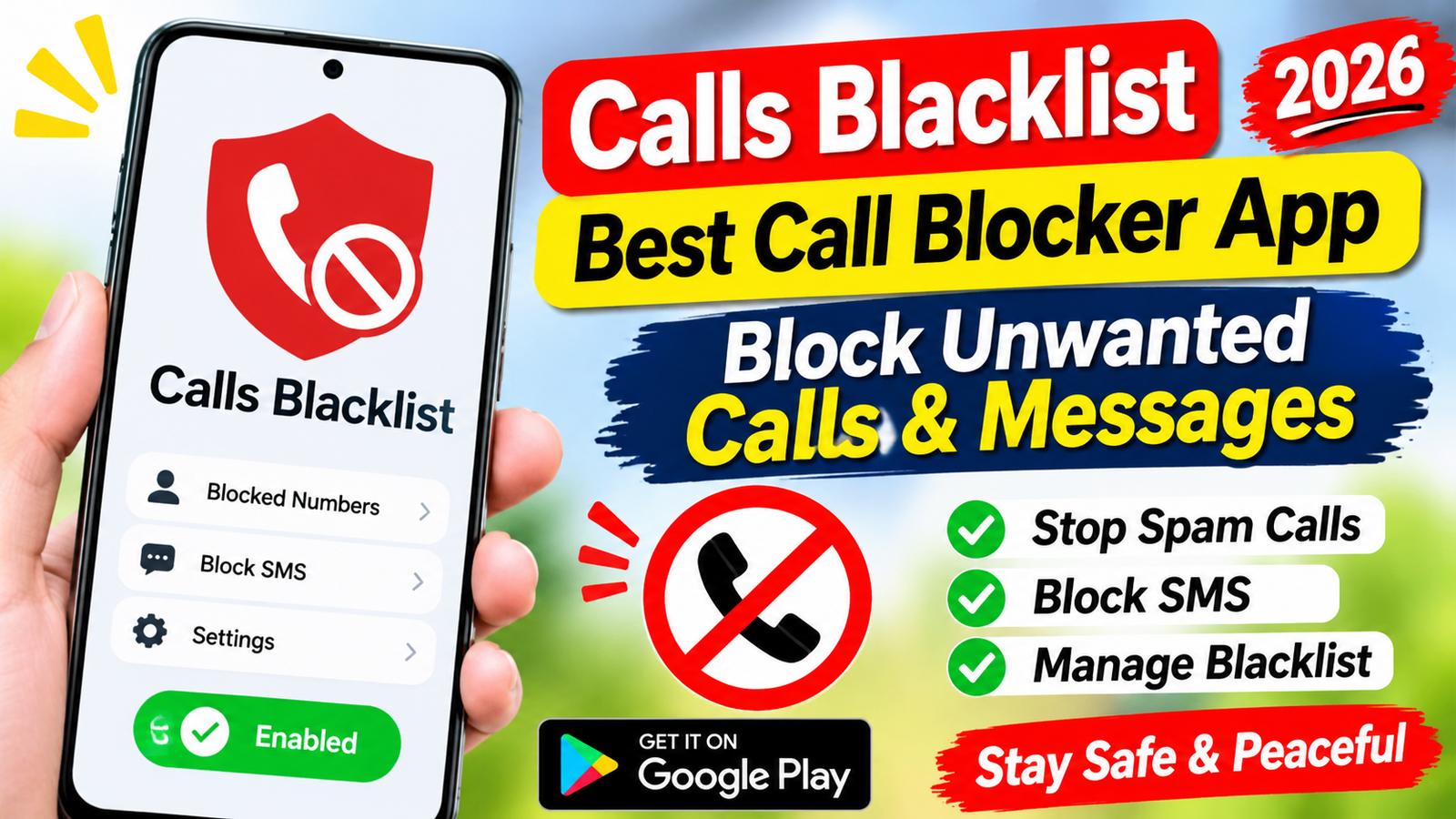
Calls Blacklist: Best Call Blocker App Guide 2026
Unwanted phone calls can quickly become annoying. Telemarketing companies, spam callers, and unknown numbers may disturb you throughout the day. Sometimes, these calls even interrupt important meetings or personal conversations. Fortunately, a call blocking app can help you manage these interruptions.
Calls Blacklist is a popular call blocker app designed to help users block unwanted phone calls and SMS messages. It provides useful tools to manage blocked numbers and control incoming communication.
In this guide, we will explore the Calls Blacklist app, its features, benefits, limitations, and how to use it in 2026.
What Is Calls Blacklist App?
Calls Blacklist is a mobile application that helps users block unwanted phone numbers. It allows you to create a personal blacklist and prevent selected numbers from contacting you.
For example, if a telemarketing company calls you repeatedly, you can add its number to your blacklist. The app can then automatically block future calls from that number.
The app also offers SMS blocking features on supported Android versions. However, some messaging features may depend on your device and default SMS application.
Key Features of Calls Blacklist
Calls Blacklist offers several useful features for people who want better control over incoming calls.
1. Block Unwanted Phone Calls
The main feature is its ability to block unwanted incoming calls. You can add individual phone numbers to your blacklist.
This is helpful when you regularly receive calls from telemarketers, unwanted contacts, or other numbers.
2. Block SMS Messages
The application also supports blocking unwanted text messages on compatible devices.
This can help reduce unwanted promotional messages and repeated communication from selected numbers.
3. Add Numbers to Blacklist
You can manually add phone numbers to your blacklist. This gives you control over which contacts should be blocked.
You can also manage your list whenever necessary.
4. Block Unknown Numbers
Some call blocking options allow users to restrict calls from private or hidden numbers.
This feature can be useful if you frequently receive suspicious calls. However, blocking unknown callers may also prevent legitimate calls from reaching you.
5. Manage Blocked Numbers
Calls Blacklist provides tools to manage your blocked contacts.
You can review your blacklist, remove numbers, and update your blocking preferences according to your needs.
6. Simple and Easy Interface
The application is designed to make call blocking easier. Users can access important settings without complicated technical knowledge.
This makes it suitable for beginners and everyday smartphone users.
How to Use Calls Blacklist App in 2026
Getting started with Calls Blacklist is relatively simple. Follow these steps to manage unwanted calls.
Step 1: Download the Application
First, download Calls Blacklist from its official Google Play Store listing, if available for your device.
Step 2: Open the App
After installation, open the application and review its available features.
Step 3: Allow Necessary Permissions
The app may request permissions related to phone calls, contacts, or SMS management.
Only grant permissions that are necessary for the features you want to use.
Step 4: Add a Number to Your Blacklist
Open the blacklist section and select the option to add a number.
Enter the unwanted phone number or select it from your contacts or call history.
Step 5: Enable Call Blocking
Review the blocking settings and enable the available options.
Once configured, the application can block selected numbers according to its supported functionality.
Benefits of Using a Call Blocker App
A call blocker app can make everyday smartphone use more comfortable.
Here are some important benefits:
Fewer interruptions: Blocking unwanted callers helps reduce unnecessary disturbances.
Better privacy: You can control communication from selected phone numbers.
Easy number management: Maintain a personal list of unwanted contacts.
Less spam: Reduce repeated calls from known unwanted numbers.
More control: Customize your call blocking preferences according to your requirements.
However, no call blocker can guarantee protection against every spam or fraudulent caller.
Is Calls Blacklist Safe to Use?
Calls Blacklist can be useful, but you should always consider app permissions and privacy before installing any application.
Download the app from a trusted source, such as Google Play. Check its developer information, recent reviews, privacy policy, and latest update details.
Avoid downloading modified APK files from unknown websites.
Also, remember that call blocking does not automatically protect you from financial scams. Never share your banking passwords, OTP codes, or personal information with suspicious callers.
Calls Blacklist vs Default Phone App Blocking
Many Android smartphones already include built in call blocking features.
| Feature | Calls Blacklist | Default Phone App |
|---|---|---|
| Block numbers | Yes | Usually |
| Manage blocked numbers | Yes | Usually |
| Spam protection | Depends on version | Device dependent |
| SMS blocking | Supported on compatible devices | App dependent |
| Additional settings | App dependent | Device dependent |
If you only want to block a few numbers, your phone’s built in blocking feature may be enough.
However, Calls Blacklist may offer additional management options depending on its version.
Frequently Asked Questions
Is Calls Blacklist free?
The app may offer free functionality, but some features or versions can have different pricing. Check the current Google Play listing for accurate details.
Can Calls Blacklist block spam calls?
Yes, it can block numbers that you add to your blacklist. However, it may not automatically identify every spam caller.
Can I unblock a number?
Yes. Open your blacklist, find the number, and remove it from the blocked list.
Does Calls Blacklist work on Android?
Calls Blacklist is designed for Android devices. However, compatibility and available features depend on your Android version and app release.
Can it block international calls?
You may be able to block specific international numbers manually. Availability of advanced number blocking options depends on the application version.
Conclusion
Calls Blacklist is a useful option for Android users who want to manage unwanted calls and messages. Its blacklist management, call blocking, and SMS filtering features can help reduce unnecessary interruptions.
Before installing it, check the latest app version, permissions, compatibility, and privacy information.
If unwanted calls are becoming a regular problem, Calls Blacklist may be worth considering in 2026. You can also explore your smartphone’s built in call blocking features for a simple alternative.