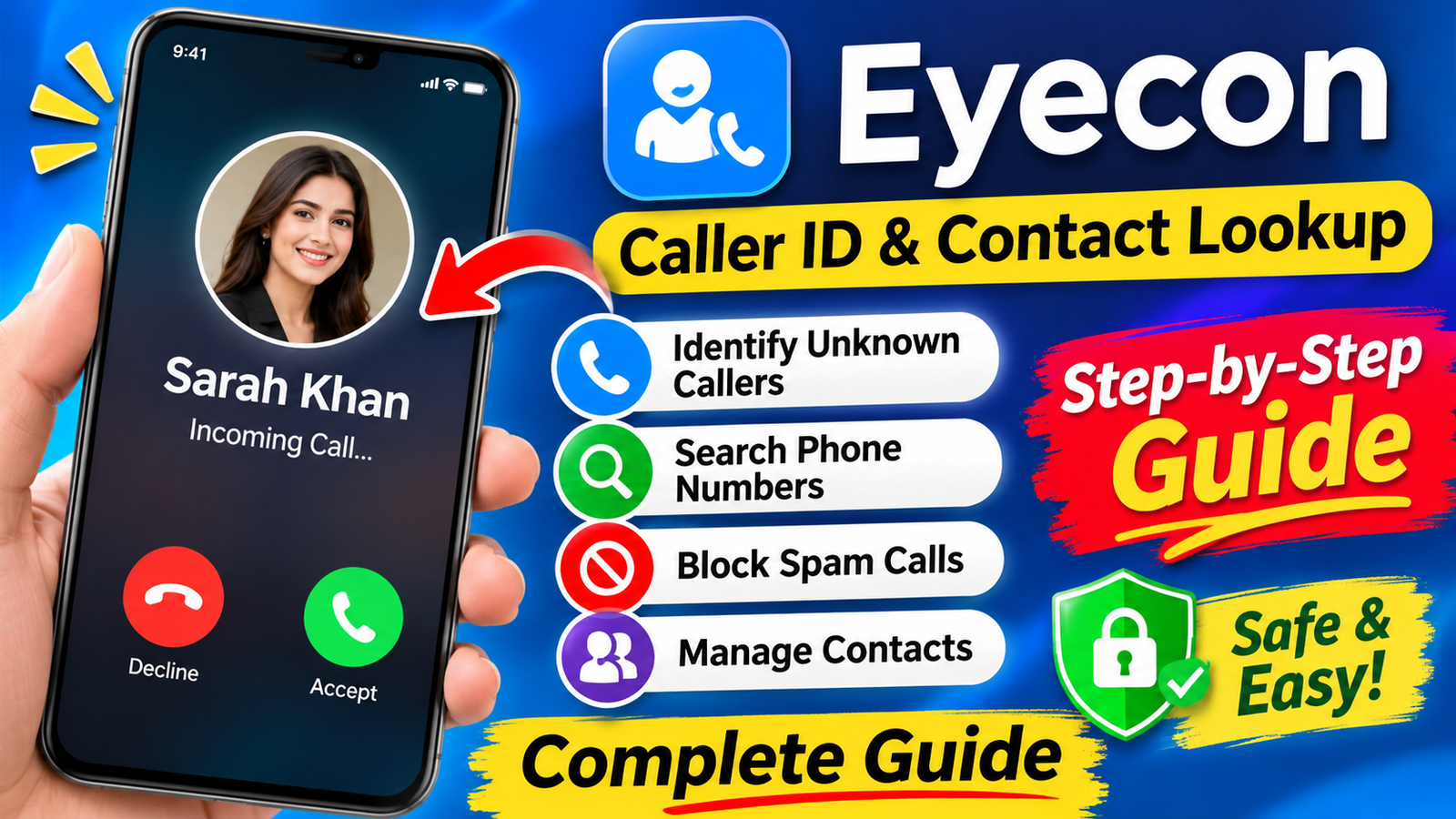
Meta Description: Learn how to use Eyecon app for caller ID and contact lookup. Identify unknown callers, find phone number details, block spam calls, and manage contacts.
How to Use Eyecon App for Caller ID and Contact Lookup
Have you ever received a call from an unknown number and wondered who was calling? Unknown calls can be annoying. Some may even come from unwanted marketing services or scammers.
Fortunately, the Eyecon app can help you identify incoming callers and manage your phone contacts. It offers visual caller ID, reverse phone lookup, spam blocking, and a smart contact manager.
With Eyecon, you can see available caller names and photos before answering calls. You can also search unknown phone numbers and connect with people through supported messaging apps.
In this guide, you will learn how to use Eyecon app for caller ID and contact lookup. We will also explore its main features, setup process, privacy, and useful tips.
What Is the Eyecon App?
Eyecon is a caller ID and phone contact management app for Android and iOS. It helps users recognize unknown callers and organize their contacts.
The app uses available phone number information to display caller names and photos. It also provides tools for blocking unwanted calls and searching unknown numbers.
Eyecon combines several communication features in one place. Therefore, users can manage contacts and connect with people more easily.
Its main features include:
- Full screen caller ID with available names and photos.
- Reverse phone number lookup.
- Spam call and SMS blocking.
- Visual contact management.
- Smart phone dialer.
- Communication through supported messaging apps.
- Premium features with additional benefits.
How to Download and Install Eyecon App
Before using Eyecon, you need to install it on your smartphone.
Follow these simple steps:
- Open the Google Play Store on your Android phone.
- Search for Eyecon Caller ID and Spam Block.
- Select the official app from Eyecon Phone Dialer and Contacts.
- Tap the Install button.
- Wait for the installation to finish.
- Open the app and follow the setup instructions.
Download Eyecon: Get it on Google Play
Always download the official application to avoid modified or unsafe versions.
How to Set Up Eyecon for Caller ID
After installing the application, complete its initial setup.
Step 1: Open the Eyecon App
Launch Eyecon from your phone’s app menu. You may see a welcome screen explaining its main features.
Follow the instructions to continue.
Step 2: Allow Required Permissions
Eyecon may request access to contacts, phone functions, and notifications.
These permissions help the app provide caller identification and contact management features.
However, review every permission before accepting it. Only allow access that you understand and need.
Step 3: Configure Caller ID
Enable the available caller ID options inside the application.
Depending on your Android version, you may need to allow additional permissions. You might also need to select Eyecon as your default phone app for certain features.
Once configured, the app can display available caller information during incoming calls.
How to Identify Unknown Callers Using Eyecon
One of Eyecon’s most useful features is visual caller ID.
It helps you recognize callers who are not saved in your phonebook.
Here is how it works:
- Open Eyecon on your smartphone.
- Complete the initial setup.
- Enable caller ID permissions.
- Wait for an incoming phone call.
- Check the caller information displayed on your screen.
If Eyecon finds matching information, it may show the caller’s name and photo.
This feature is helpful when you receive calls from unknown businesses, delivery services, or other numbers.
However, caller identification is not always accurate. Some numbers may have incomplete or outdated information.
How to Use Eyecon for Contact Lookup
Eyecon also offers reverse phone number lookup. This feature helps you search for information associated with an unknown number.
Search an Unknown Phone Number
Follow these steps:
- Open the Eyecon app.
- Access its dialer or number search option.
- Enter or paste the unknown phone number.
- Start the search using the available option.
- Review the information returned by Eyecon.
The app may display a name, photo, or other available information.
You can then decide whether to save the number as a new contact.
Remember that results depend on available information. Eyecon cannot guarantee the identity of every phone number.
How to Block Spam Calls with Eyecon
Unwanted calls can waste your time and sometimes create security risks.
Eyecon includes spam protection features that help users manage unwanted callers.
To block a suspicious number:
- Open the Eyecon application.
- Find the unwanted number in your call information.
- Open its details.
- Look for the block option.
- Confirm the action if requested.
You can also review available spam protection settings.
Always be careful with suspicious calls. Never share passwords, banking details, or verification codes with unknown callers.
Is Eyecon App Free to Use?
Eyecon offers free features, but the application also includes advertisements and optional in app purchases.
| Feature | Availability |
|---|---|
| Caller ID | Available |
| Contact management | Available |
| Reverse lookup | Limited free access |
| Spam blocking | Available |
| Premium experience | Paid option |
| Ad removal | Premium option |
Some features may have different limits depending on your account and app version.
Therefore, check the current subscription details before purchasing Eyecon Premium.
Is Eyecon Safe and Does It Protect Your Privacy?
Privacy is important when using any caller ID application.
Eyecon requires certain permissions to provide its services. These may include access to contacts, phone information, and notifications.
Before using the application, review its privacy policy and Google Play Data Safety information.
Here are some useful safety tips:
- Download Eyecon from the official Google Play Store.
- Review permissions before granting access.
- Avoid sharing sensitive personal information.
- Check subscription terms before purchasing premium features.
- Review the privacy policy for information about data collection and sharing.
Also remember that caller ID information may not always be correct. Never treat an unknown caller’s displayed identity as verified proof.
Final Thoughts
Eyecon is a useful application for people who want better control over incoming calls and phone contacts.
Its visual caller ID helps identify available caller information. Meanwhile, reverse phone lookup makes searching unknown numbers easier.
The app also offers spam blocking, contact management, and communication features.
However, users should review its permissions and privacy policy before getting started.
If you frequently receive unknown calls, Eyecon is worth exploring. Download the official app, configure its caller ID features, and enjoy a more organized calling experience.